
See How You'd Look After Nose Surgery — Generate before/after previews
There's one question in the back of your mind: what would it actually look like? Can I see before/after images of the surgery? This tool helps you generate realistic nose styles on your own face, in seconds, for free.

Before

After
How to see edited nose images of the nose surgery by AI
Three steps from selfie to side-by-side rhinoplasty (nose job) before/after previews on your own face.
Upload Your Photo
A clear, well-lit selfie works — front-facing or profile. Skip hats, masks, heavy filters, and blurry shots.
AI Generates Your Previews
In under 30 seconds, see six realistic styles on your photo: Natural, Refined, Button, Roman, Greek, and Subtle.
Compare and Save
View all six side by side. Download your favourites or bring them into your consultation as a visual reference.
Preview six Nose Job (Rhinoplasty Surgery) Styles on Your Face
Compare Natural, Refined, Button, Roman, Greek, and Subtle — all generated from a single upload.

Natural

Refined
Button

Roman

Greek

Subtle
Things Worth Knowing Before a Nose Job
Whether you're early in research or already leaning toward surgery, these details tend to catch people off guard.
Review before-and-after portfolios
A good surgeon expects you to look through their rhinoplasty results. It reveals their aesthetic and what might be achievable for your nose type.
Prepare questions in advance
First consultations move fast. Write down what you want to know about suitability, technique, breathing impact, and recovery before you walk in.
Plan meaningful downtime
Most people need at least two weeks away from work while swelling subsides and a splint stays in place — longer if your job is physical or client-facing.
Give results time to settle
You'll see early changes quickly, but swelling can take months to fully resolve. The nose at six weeks rarely matches the result at twelve months.
Who Uses the Simulator
Preparing for a Consultation
You know you want to move forward, but describing what you're after is hard. Upload your photo, pick a style, and walk in with something concrete to show your surgeon — it makes that first conversation far more productive.
Confirming Your Expectations
Your surgeon has explained the plan, but you're still picturing the result. Visualising what "refining the tip" might look like on your face helps you feel aligned with the plan before surgery day.
Using Nose Job job Simulator Tool VS Generic Filters (Photo Editing)
Most tools that claim to show rhinoplasty results are manual photo editors — requiring skill and producing unrealistic distortions — or generic filters that ignore your actual face shape. Nose Job Simulator uses Latess AI models applied directly to your photo. Not a model's face. Not an average template. Your own face, with realistic style variations, in seconds — something filters and sketches can't replicate, and something you'd normally only get in a surgeon's office.
Frequently Asked Questions
Common questions about using the simulator before rhinoplasty.
See What's Possible on Your Face
Nose surgery is a big decision. The more clearly you can picture the outcome, the more confident you'll feel going into it. Upload your photo, preview six realistic rhinoplasty styles, and walk into your consultation knowing exactly what to ask for.
Results shown are AI-generated visualisations only and are not a guarantee of surgical outcomes.
Latest Posts
View All Posts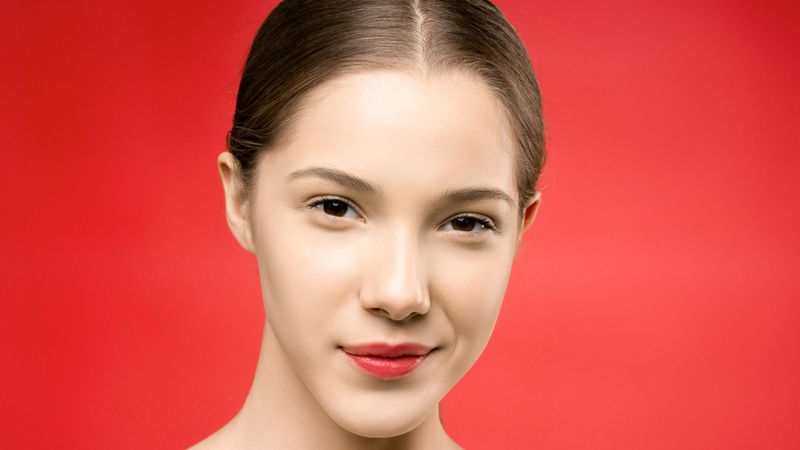
Choosing the Perfect Nose Shape: A Guide to Rhinoplasty Styles
Discover popular rhinoplasty styles and find your perfect nose shape. Use our Nose Job Simulator to visualize results. Expert guide for patients.
5/25/2026
The Nose Surgery Process: What to Expect Before, During & After
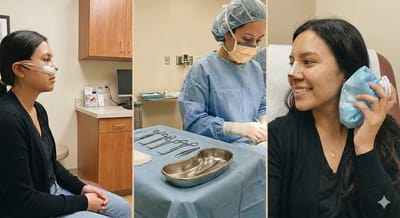
Thinking about getting a nose job? You're not alone. Rhinoplasty is one of the most common cosmetic procedures out there, but it's also one that comes with plenty of questions. Whether you're considering it for cosmetic reasons or need it for medical purposes, understanding what you're getting into makes all the difference.
12/14/2025
Open vs. Closed Rhinoplasty: Which Is Right for You?
differences between open vs. closed rhinoplasty, including benefits, risks, recovery, and which procedure suits your unique nasal goals. Make an informed choice with expert insights.
12/8/2025